In the moment when you experience exceptional service or when something needs improvement, that’s exactly when your feedback is most authentic, detailed, and valuable. But if the review process means finding a computer, creating accounts, and spending 15 minutes on forms, that crucial window closes.
Most people want to actually share experiences but abandon the process because it’s just too complicated. By the time you transition from the experience to a review form, details fade and motivation diminishes.
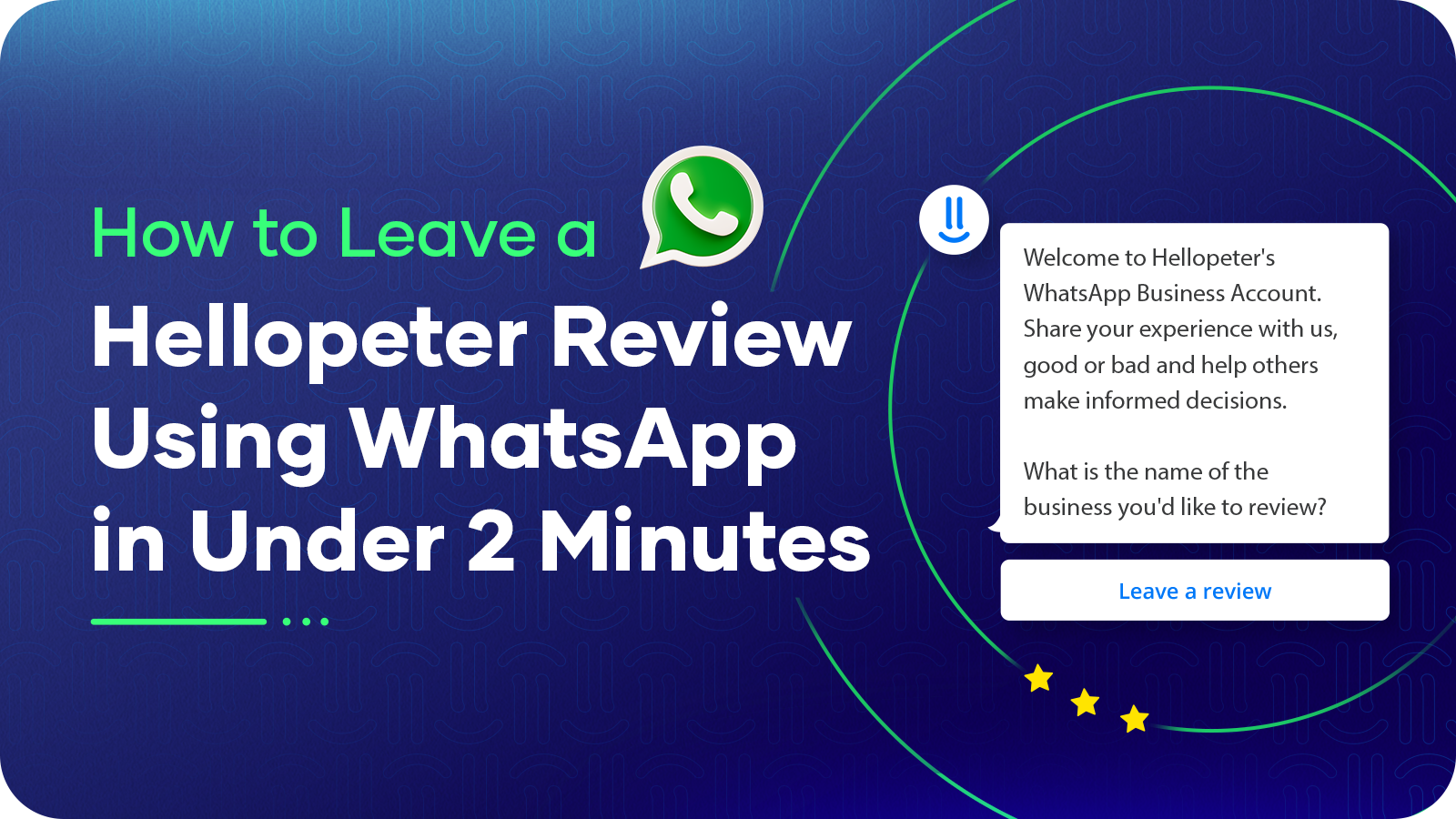
Hellopeter’s WhatsApp chatbot solves this with elegant simplicity: submit a complete, credible review in under two minutes using an app you already use daily. This guide breaks down exactly how to leverage WhatsApp for instant review submission, proving that speed enhances rather than compromises quality.
The Two-Minute Review Process: Step-by-Step Timing
Here’s the complete process, timed for real-world accuracy:
0:00–0:20 | Step 1: Save the Hellopeter Number
Open Contacts
Add new contact: +27 21 206 6516
Name it “Hellopeter Reviews”
Save
Time: 20 seconds
One-time setup. Once saved, future reviews start at Step Two.
0:21–0:31 | Step 2: Open WhatsApp
Launch WhatsApp
Search “Hellopeter” in contacts
Open the chat
Time: 10 seconds
0:32–0:42 | Step 3: Initiate Conversation
Type “Hi”
Send message
Receive automated response
Time: 10 seconds
The automated system responds within 2–3 seconds, starting the guided flow.
0:43–1:40 | Step 4: Answer Basic Questions
Question 1: “What is the name of the business you’d like to review?”
Type Business Name: “Business X”
Time: 10 seconds
Question 2: “How would you rate your experience with [Business Name]?”
Tap Selection Button: Choose your star rating
Time: 5 seconds
Question 3: “Tell us more about your experience with [Business Name]”
Type Concise Description: Minimum of 10 words (see templates below)
Time: 40 seconds
Total for Step 4: 57 seconds
1:41–2:00 | Step 5: Submit Review
Confirm submission by selecting “Yes, publish”, or select “No, edit review”
Receive confirmation message
Total for Step 5: 24 seconds
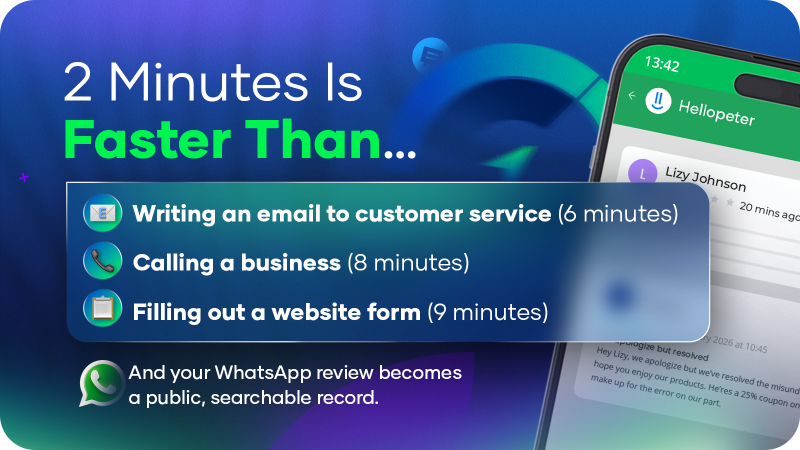
Total Time: 2 minutes
Writing an Effective Review in Under a Minute: Proven Templates
The key to speed is knowing exactly what to say. Use these tested templates:
For Positive Experiences:
Template: “[Action] at [Location] on [Date]. [Specific highlight]. [Impact]. [Recommendation].”
Example: “Purchased electronics at [Business Name] on 12 Jan. Sales consultant took time to explain options without pressure. Found exactly what I needed. Highly recommend this location.”
Word count: 25 words
Estimated typing time: ~38 seconds
For Service Excellence:
Template: “[Staff member/Department] at [Location] provided [Specific action]. [Result]. This is excellent customer service.”
Example: “Team member (use first name only) at [Business Name] helped locate a hard-to-find item by checking inventory across multiple branches. Received it the next day. This is excellent customer service.”
Word count: 28 words
Estimated typing time: ~40 seconds
For Constructive Feedback:
Template: “[Product/Service] at [Location/Date]. [Issue description]. [Context]. Hoping for [Desired outcome].”
Example: “Online order from [Business Name] placed 10 Jan. Delivery delayed by 5 days without notification. Product quality good but communication needs improvement. Hoping for better tracking updates.”
Word count: 26 words
Estimated typing time: ~38 seconds
For Product Quality:
Template: “[Product] purchased [Date/Location]. [Quality description]. [Usage experience]. [Value assessment].”
Example: “Appliance purchased at [Business Name] on 15 Dec. Exceeded expectations for this price point. Using daily for two weeks with excellent performance. Great value for money.”
Word count: 23 words
Estimated typing time: ~33 seconds
Why Speed Enhances Rather Than Compromises Quality
Fast reviews aren’t shallow reviews. Instead, they’re focused reviews. The WhatsApp format’s natural constraints actually improve review quality by encouraging you to:
-
Eliminate Unnecessary Details
No lengthy backstories and just the facts: what happened, when, and what made it notable.
-
Emphasise Specifics
Brief formats encourage concrete details (dates, names (first names only), specific actions) over general statements.
-
Stay Action-Oriented
Quick reviews focus on helpful information for other consumers and constructive feedback for businesses.
When Fast Reviews Make the Biggest Difference
Certain situations benefit especially from immediate feedback:
Scenario 1: Exceptional Service Recognition
When someone provides outstanding service, immediate reviews:
- Reach management while the interaction is fresh
- Create public recognition that benefits the employee
- Encourage continued excellent service
Pro tip: Let the staff member know you’ve left a positive review. Recognition matters.
Scenario 2: Time-Sensitive Experiences
For experiences where timing matters (event services, delivery windows, time-sensitive purchases):
- Details are captured accurately while fresh
- Context is preserved (what made timing critical)
- Other consumers benefit from current information
Scenario 3: In-Store Moments
While still at the location, you have access to:
- Staff names from interactions
- Receipt details and reference numbers
- Product information and barcodes
- Store atmosphere and immediate impressions
Reviewing immediately captures contextual details that fade quickly.
Scenario 4: Discovering Hidden Gems
When you find a business that deserves more recognition:
- Your review helps them gain visibility
- Other consumers discover quality options
- Your support helps small businesses grow
Mobile-First Advantages for South African Consumers
WhatsApp reviews particularly benefit South Africans because:
-
Data Efficiency
Submitting a review via WhatsApp usually requires far less data than completing a traditional website form.
- Messages and responses are lightweight, which helps keep data usage low.
- The process happens entirely inside WhatsApp, so you don’t need to load multiple web pages.
- For consumers managing data costs, this difference matters.
-
Loadshedding Compatibility
During power interruptions:
- Mobile networks often remain operational
- Quick submission completes before battery concerns
- No risk of losing progress mid-process
-
Accessibility Across Regions
In areas with varying connectivity:
- WhatsApp works on 2G/3G networks where websites struggle
- No additional app downloads required
- Familiar interface reduces technical barriers
-
Comfort and Familiarity
WhatsApp’s everyday use means:
- No learning curve for the review process
- Comfortable, conversational format
- Voice-to-text options for those who prefer speaking
Maximising Your Review’s Helpfulness in Minimal Time
Even within the fast format, these techniques increase effectiveness:
Technique 1: Lead with Key Information
Place the most important details first:
Example: “Received order three days ahead of schedule. Packaging excellent. Customer service responsive throughout. Will definitely order again.”
Readers scanning reviews quickly see the essence immediately.
Technique 2: Include Reference Points
When available, provide:
- Order or booking numbers
- Specific dates
- Branch locations
- Staff first names (for positive recognition)
Reference points verify authenticity and help businesses respond appropriately.
Technique 3: Clarify Context
Specify the situation:
“First-time customer, made large purchase, staff took extra time to ensure I understood warranty coverage.”
Context helps other consumers determine relevance to their situation.
Technique 4: Mention Resolution Approach
Briefly note how any issues were handled:
“Initial order had minor issue, contacted support via WhatsApp, received replacement within two days with apology. Impressed by responsiveness.”
This demonstrates business reliability and problem-solving capability.
Common Efficiency Mistakes to Avoid
These habits slow down mobile reviews:
Mistake 1: Overthinking Wording
Solution: Write your natural first thought. Authentic language is more credible than over-edited text.
Mistake 2: Waiting for the “Perfect Moment”
Solution: Review immediately. The best time is right after your experience, when details are fresh.
Mistake 3: Writing Excessive Detail
Solution: Limit to 75-150 words. Focus on what matters most to other consumers.
Real Examples: Fast Reviews That Made a Difference
Example 1: Service Recognition (60 seconds)
Review: “Team member at Business X Sandton spent 30 minutes helping me choose the right product for my needs. No pressure, just genuine expertise. This is why I return to this store.”
Impact:
- Published within 24 hours
- Business responded with gratitude
- Team member received internal recognition
Example 2: Product Quality (75 seconds)
Review: “Product from Business X exceeded expectations. Ordered online Friday, delivered Monday. Quality better than photos suggested. Instructions clear. Very satisfied with purchase and will recommend.”
Impact:
- Business responded within 48 hours
- 18 consumers referenced this review in purchase decisions
- Contributed to business’s 4.6-star rating
- Consumer later ordered additional products
Example 3: Constructive Feedback (90 seconds)
Review: “Product quality excellent from Business X. Delivery took longer than estimated (7 days vs 3), but customer service kept me informed. Suggestion: more realistic delivery timeframes would improve experience.”
Impact:
- Business thanked reviewer for feedback
- Company updated delivery estimates on website
- Reviewer updated review noting business improvement
- Other consumers appreciated balanced perspective
Mobile Review Best Practices: Complete Checklist
Before submitting, ensure you’ve included:
✅ Business name spelled correctly ✅ Date or timeframe mentioned ✅ Specific experience described ✅ Key highlights or learning points ✅ Fair and factual tone ✅ Constructive approach (what worked well, what could improve) ✅ Clear takeaway for other consumers
Checklist review time: 10 seconds
Impact on review quality: Significantly increases helpfulness
The Broader Benefit of Frictionless Feedback
When review submission becomes this effortless, positive changes occur:
More Balanced Perspectives
- Positive experiences get documented (not just problems)
- Silent majority of satisfied customers finally share
- Star ratings reflect true customer sentiment
Faster Business Learning
- Companies receive timely feedback
- Excellent performers get recognised quickly
- Areas for improvement identified rapidly
Stronger Consumer Community
- More reviews mean better collective knowledge
- Sample sizes become statistically meaningful
- Consumer decision-making improves
Market Quality Improvement
- Excellence gets rewarded with visibility
- Constructive feedback drives enhancement
- Competition motivates continuous improvement
Final Thoughts: Your Voice Matters, and Now It’s Easy to Use It
For years, sharing consumer experiences meant significant time investment. Forms. Accounts. Multi-step processes that felt like assignments rather than simple feedback.
Only the most motivated consumers followed through, and typically those with extreme experiences (very positive or very negative), creating skewed marketplace perceptions.
WhatsApp reviews democratise consumer voice. Now:
- ⏱️ Two minutes captures your experience
- 📱 Mobile-first matches how you already use technology
- 💬 Familiar platform reduces hesitation
- 🚀 Immediate submission preserves authentic detail
The result: More reviews. More representative perspectives. More marketplace accountability. More recognition for excellence.
Your two minutes create lasting benefit – for yourself, for other consumers researching businesses, and for the broader marketplace.
Ready to Share Your Experience?
- Save +27 21 206 6516 to contacts
- Open WhatsApp
- Send “Hi”
- Follow the simple prompts
- Submit your review in under 2 minutes
Your perspective matters – and now sharing it on hellopeter.com takes less time than making coffee.
Disclaimer: Actual submission time may vary based on review complexity and connection speed. Times cited represent typical user experiences under normal conditions.